Create, Transform and Bring Your Photos to Life.
Create images from words, make new photos of yourself, edit or restore existing photos, and turn a photo into video.
Start with words, a few selfies, or one photo.
Create an original image from a written description.
Add a main photo and a clear face photo — the face is swapped into the main photo.
Turn your photos into anime-style portraits and scenes.
Replace backgrounds, remove unwanted objects and resize images.
Repair scratches, faded colours and damaged family photos.
Turn portraits, restored memories and AI photos into video.
Your Face. Any Cinematic World.
Upload selfies. Describe the scene. FaceGenX creates cinematic images of you.
Upload Selfies
4 clear photos of your face. Different angles, natural lighting. No filters.
Describe Your World
Monaco yacht. Neon-lit Tokyo street. Vogue editorial. Any world you can imagine.
Get Cinematic Images
AI generates high-resolution images of you placed into that world. Ready in minutes.
Upload 4 selfies · Any cinematic world · Results in minutes
Your face, in the photo you choose.
Upload a main photo and a clear face photo. FaceGenX replaces the whole head, including the face and hair — the body, pose, clothes and background stay from the main photo. The result may look slightly retouched and the likeness may not be exactly identical.
Face Swap is in preview — your photos are not sent anywhere and no result is generated yet.

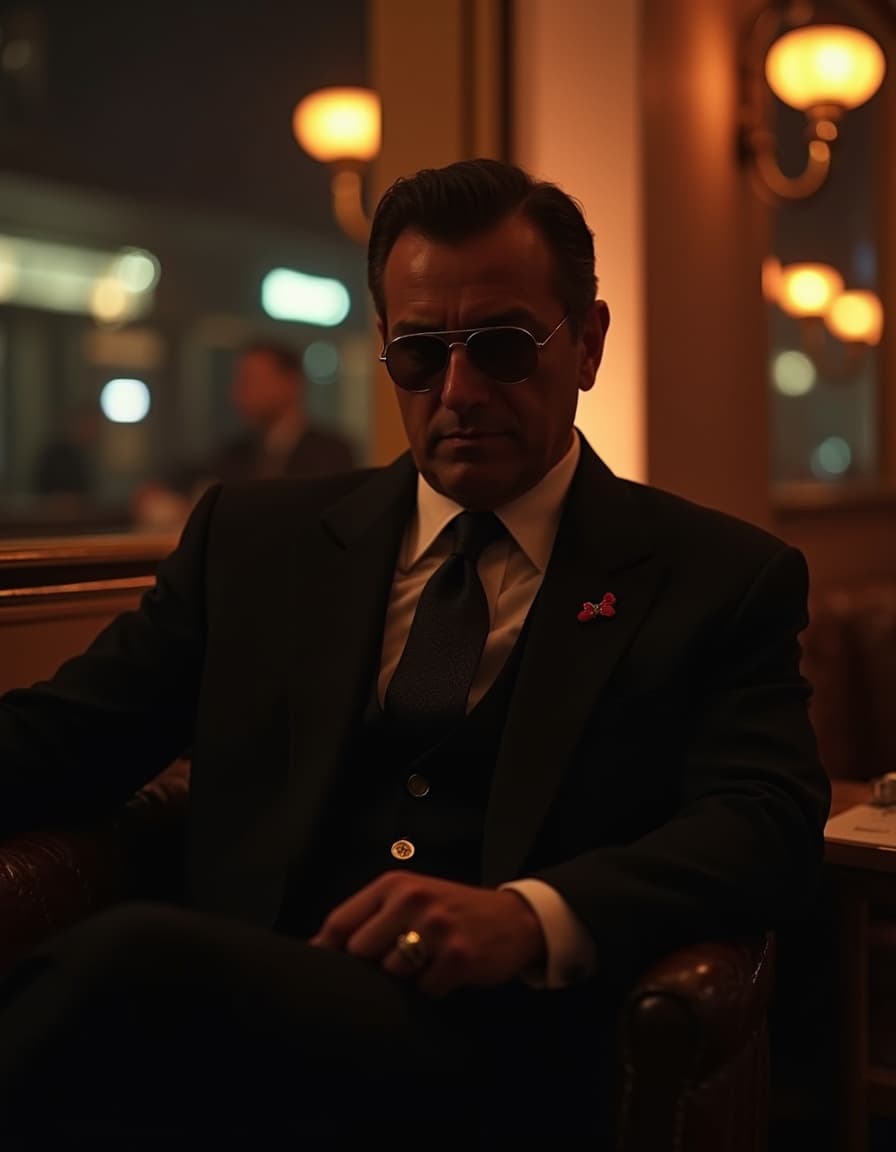
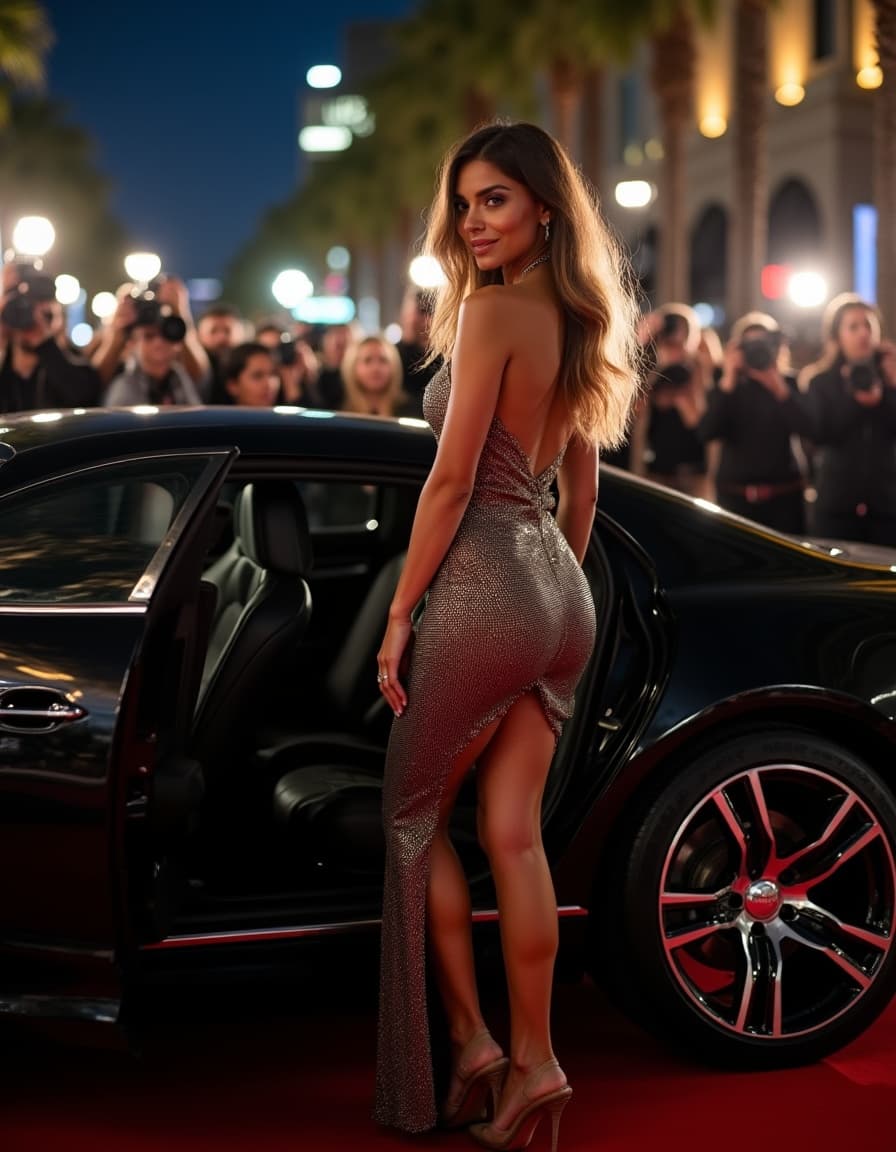
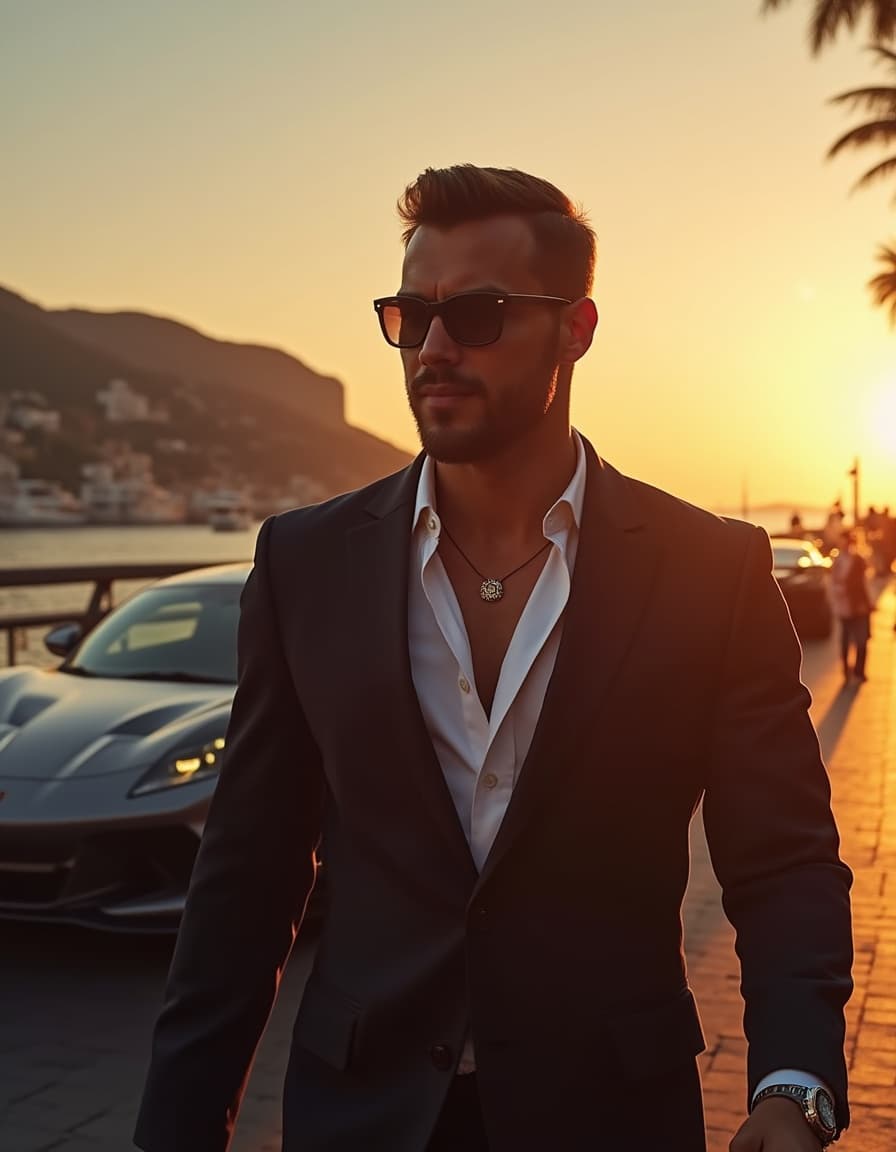
Change any detail with a simple instruction.
Swap backgrounds, remove unwanted objects and resize images — just describe the change you want.
Edit a Photo →Bring old, damaged photos back to life.
Repair scratches, fix faded colours and restore treasured family pictures.
Restore a Photo →Swap a face. Then bring it to life.
Make a Face Swap first, then use the result as the starting photo for a short video.
Your face, in the photo you choose.
Upload a main photo and a clear face photo. FaceGenX replaces the whole head, including the face and hair — the body, pose, clothes and background stay from the main photo. The result may look slightly retouched and the likeness may not be exactly identical.
Face Swap is in preview — your photos are not sent anywhere and no result is generated yet.
Try Face Swap →Bring a photo to life.
Start from any photo — including your Face Swap result — describe the movement, and choose the length in the video studio.
Animate This →Your face. A different photo.
Example scenes and short clips to show the idea — your own result depends on the photos you use.
Pick the photo. Add your face.
Upload a main photo and a clear face photo. FaceGenX replaces the whole head, including the face and hair — the body, pose, clothes and background stay from the main photo. The result may look slightly retouched and the likeness may not be exactly identical.
Face Swap is in preview — your photos are not sent anywhere and no result is generated yet.
Try Face Swap →How your photos are used.
Used to create your results
Uploaded photos are used to create your requested results.
Specialised AI processing
Some features use specialised AI processing providers to generate photos and video.
Connected to your account
Your creations are connected to your account.
Frequently Asked Questions
Everything you need to know about FaceGenX.
One transformation.
Infinite versions of you.
Pick a studio and try every step in preview mode.
Enter Your World ⚡